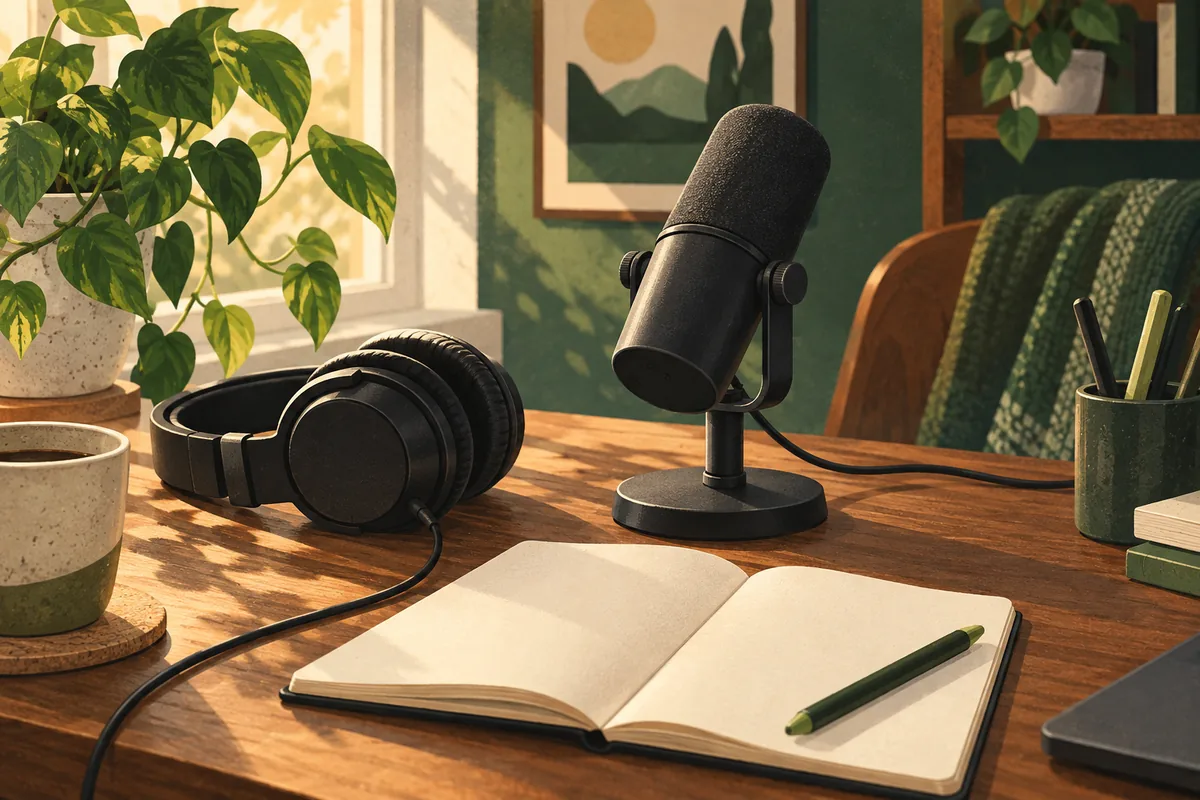
A good podcast starts with a voice you can hear. You do not need a room full of podcast equipment to get there. I would spend on one well-placed mic, use wired headphones, and learn to record a clean track before adding more gear.
These four picks fill different jobs. The first two are podcast microphones, so choose one. The headphones help you hear faults. The recorder makes sense when friends or guests share your table. You do not need all four to launch a new show.
Podcast equipment: what belongs in your first kit?
| Equipment | The job it does |
|---|---|
| Samson Q2U | A USB mic with an XLR path for later |
| RODE PodMic USB | A desk mic with more sound controls |
| Audio-Technica ATH-M20x | Wired headphones to check each voice |
| Zoom PodTrak P4next | One recorder for up to four XLR mics |
1. Samson Q2U: the first mic I would buy
The Samson Q2U makes a strong case for keeping the first setup small. It works as a USB mic with your computer. Its XLR port lets it join a mixer or recorder later. That gives a new host room to grow without replacing the mic.
The current model has USB-C. The pack includes a small stand, a foam windscreen, a mic clip, and USB and XLR cables. Older stock may have a different USB port, so check the box before you buy. The headphone jack lets you hear your voice right away, without a software delay.
This dynamic mic picks up sound mainly from the front. It still hears the room. Keep it close, then lower the input level as needed. Do not expect it to erase a loud fan.
My call: the most complete starting point here. Its small desk stand is handy, but a taller stand may help you sit upright. Compare the full kit price with any mic sold on its own.
2. RODE PodMic USB: more control at a desk
The RODE PodMic USB suits a host who wants more control over a fixed setup. It has USB-C, XLR, a headphone output, and built-in sound processing for its USB path. A pop filter comes in the box.
I would choose it for a regular desk, rather than a bag that must stay light. The mic weighs 900 grams. Add a stand or arm that can hold that weight without sagging. Its price needs to leave room for that support.
One detail matters during calls: the headphone knob is not a universal mute switch. RODE explains the mute behavior for its apps. Outside the supported setup, muting the headphones does not mean the mic has stopped sending your voice.
My call: a useful step up for a stable desk. Buy it for the controls and connections you will use, rather than a promise that a higher price will fix the room.
3. Audio-Technica ATH-M20x: hear the problem early
The Audio-Technica ATH-M20x is a plain pair of wired, closed-back headphones. The ear cups enclose your ears. That helps keep playback from spilling back into a nearby mic.
The long, attached cable suits a desk. It is less neat in a small travel bag, and you cannot swap it as easily as a detachable cable. I would use this pair to check for hum, clipped words, and a guest who has moved too far from the mic.
My call: useful podcast equipment when your current headphones leak sound or add delay. If you already own a comfortable wired pair, start there. An extra purchase is not a requirement.
You also do not need a separate music amp to record a podcast. The mic or recorder's headphone jack does that job. Our guide to headphone amps and their connections explains when a separate box is worth adding.
4. Zoom PodTrak P4next: bring other people in
The Zoom PodTrak P4next gives a group four XLR mic inputs and four headphone outputs. Each person can set their own listening level. It saves a mix and separate tracks to a microSD card, so a loud guest need not force the whole show down in the edit.
It records at 48 kHz and 24-bit. It can also connect through USB-C. This is the P4next, not the older P4, so check the full model name when you compare prices.
I would add this recorder when a co-host or guest shares the room. Each person still needs a mic, a cable, and headphones. Those extras can make the real price much higher than the number beside the recorder.
My call: a clear fit for small group shows and portable audio recording. A solo host using one USB mic can leave it off the shopping list.
The best podcast microphones still need good placement
Start with the mic about a hand's width from your mouth. Speak past the grille at a slight angle if hard P sounds make a thump. Keep the distance steady. A great sentence is hard to hear when its last few words trail off across the room.
Set the recording level while you speak at your loudest likely volume. Leave space below the top of the meter. If the signal clips, turning it down after recording will not restore the lost detail.
Close the window. Move away from bare walls. A rug, curtains, and soft furniture can reduce the room's sharp echo. A foam windscreen deals with breath near the mic; it does not soundproof a room.
Good sound quality comes from this whole chain. Buying more podcast equipment is a poor first response to a mic that is too far away.
USB or XLR: choose the setup you need now
USB is the simple path for one person. Connect the mic, choose it as the input in your recording app, and check the headphone output. A laptop and one mic can be a complete podcast setup.
XLR is the useful path for several people in one room. Each mic plugs into a separate input on a recorder or interface. That keeps the tracks easier to manage. Using several USB mics at once can require extra software setup, so do not assume that more USB ports solve the problem.
For a remote guest, wear headphones and ask them to do the same. Speaker sound can return through the mic as echo. Record a short chat first, then listen back before the full interview.
A short check before you press record
- Choose the right input and output in your app.
- Check free storage and power. Save the project in a folder you can find.
- Record 30 seconds of speech, then play it back through headphones.
- Listen for buzz, echo, sharp breaths, and sudden jumps in level.
- Keep a second copy of the finished recording before you edit.
This check costs less than any piece of podcast equipment. It also catches faults that a new mic cannot fix, such as the app recording from the laptop instead.
Spend on the show, then the extras
I would put the first budget toward a mic and a workable place to record. Next comes a stand that keeps the mic close. Then add the podcast gear that solves a real need: more inputs for guests, better storage, or headphones that fit.
A discussion among new and working podcasters makes the cost of complexity clear. Several replies urge new hosts to learn recording and editing before adding lots of cameras. That is practical advice, even though each show has different needs.
If you want video, start with the camera you already own. For outdoor clips, our budget action camera guide covers the tradeoffs of small cameras. They serve a different job from a mic pointed at a speaker.
The market is full of podcast equipment with long feature lists. Beginners need a shorter test: can you set it up, hear the voice, and record the next episode without a fight? Start with the Q2U if you need a mic. Keep the rest of the price in reserve until the show tells you what is missing.